
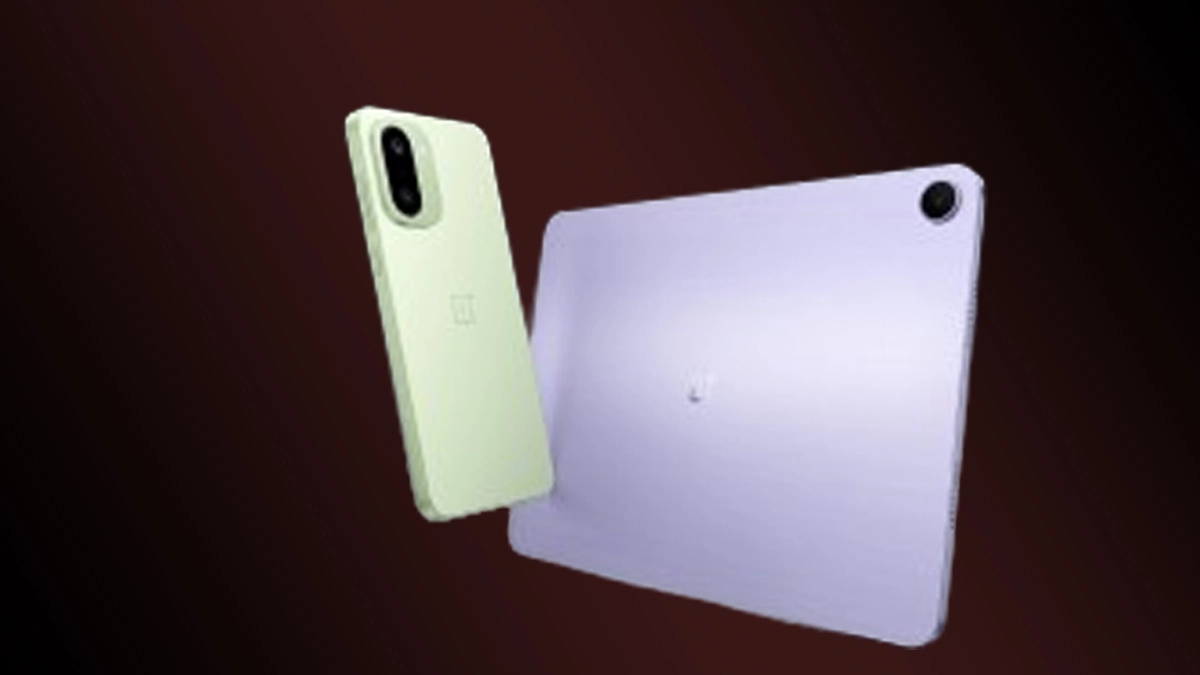
OnePlus 15R को 2025 में एक performance-centric smartphone माना जा रहा है। इसमें powerful chipset, बेहतर thermals और OxygenOS का clean optimization मिलकर इसे gaming users के लिए perfect हैं। OnePlus 15R Benchmark Scores, BGMI Gaming Test, COD FPS Stability, Heating Test, और Best Gaming Settings का पूरा detailed review देखेंगे निचे।
OnePlus 15R Benchmark Score (CPU + GPU Test)
1) Antutu Benchmark Score
- OnePlus 15R का Antutu v10 score:
- 1,200,000+ (1.2 Million+) Score
यह score बताता है कि phone CPU और GPU दोनों में काफी strong है।
2) Geekbench 6 Score
- Single Core: – 1800
- Multi Core: – 4900
3) CPU Throttling Test Result
- Stability: 88–90%
इसका मतलब है – लंबे gaming sessions में भी phone से performance drop नहीं होता।
OnePlus 15R Gaming Review
BGMI (PUBG) Performance – 90 FPS Test
Supported Graphics:
- Smooth + 90 FPS
- HDR + Ultra
- Extreme Option Available
Real Gameplay Result
- Avg FPS: 85–90 FPS
- Gyroscope: Smooth & Accurate
- Touch Response: Fast
- Frame Drops: Very rare
BGMI Heating Test
- 30 minutes match – 4–5°C temperature rise
- No overheating.
COD Mobile Performance
- Graphic Quality: Very High
- FPS: Max Supported
- Multiplayer में average FPS हमेशा stable रहता है।
- Long sessions में भी noticeable heating नहीं होती।
Genshin Impact Extreme Test
Settings: High + 60 FPS
Results:
- FPS Range: 50–58 FPS
- No heavy throttling
- Slight heat after 20–25 minutes (Normal for this game)
OnePlus 15R Battery Drain & Heating Performance
| Game | Drain (1 hour) |
|---|---|
| BGMI | 17–20% |
| COD Mobile | 15–18% |
| Genshin Impact | 20–25% |
Heating Test
- Max Heat Increase: 5°C
- कोई thermal throttling नहीं महसूस होता।
Best Gaming Settings for OnePlus 15R
BGMI Best Settings
- Smooth + 90 FPS
- Anti-Aliasing: Off
- Gyroscope: Always On
- Brightness: 90–100%
- Motion Blur: Off
COD Mobile Best Settings
- Graphics: Very High
- FPS: Max
- Real-time Shadows: Off
- Depth of Field: Off
Genshin Impact Settings
- Graphics: Medium-High
- FPS: 60 FPS
- Motion Blur: Off
- Bloom: Off
OnePlus 15R Performance Optimization Tips
- Settings → System → RAM Boost → ON
- Developer Options → Animation Scale → 0.5x
- Game Space → Pro Gamer Mode
- Battery Settings → High Performance Mode Enable
- Background Apps Limit → No Restriction
OnePlus 15R vs Other Phones
| Phone | Avg FPS | Heating | Verdict |
|---|---|---|---|
| OnePlus 15R | 85–90 FPS | Low | Best Overall |
| iQOO Neo 11 | 90 FPS | Medium | Pure Gaming |
| Realme GT 7 | 88 FPS | Medium | Balanced |
| Redmi K80 | 80–85 FPS | Medium | Budget-friendly |
क्या आपको 2025 में गेमिंग के लिए OnePlus 15R खरीदना चाहिए?
अगर आप 90 FPS BGMI, COD Mobile, Genshin Impact जैसे demanding games खेलते हैं, तो OnePlus 15R आपको lag-free, heat-controlled और stable performance देगा।
Why OnePlus 15R is Best for Gamers:
- 90 FPS stable gameplay
- Excellent thermals
- Fast charging
- Strong battery life
- No bloatware, smooth OxygenOS
ये भी देखे : Realme P4X 5G